Article sections
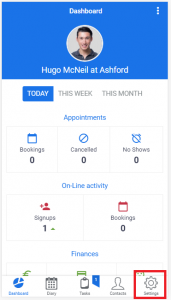
To Access the General Setup, you need to click the ‘Settings’ button at the bottom of your screen, which will take you to the ‘Settings’ area.
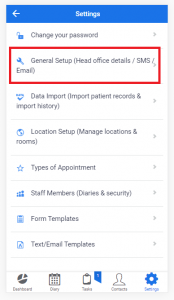
Then select General Setup (Head Office details / SMS / Email)
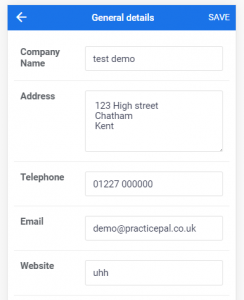
From here, you can edit the following fields:
- Company Name –
- Address
- Telephone
- Website
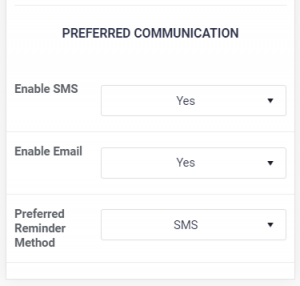
… and the preferred Communication settings
- Enable SMS – This will enable the SMS reminder service for all appointment types set to send reminders, and will also allow SMS communications throughout the system (There is a fee of 10p + VAT per SMS sent)
- Enable Email – This will enable Email reminders either as the primary reminder method, or the backup, dependent on what’s chosen in ‘Preferred recall method’)
- Preferred Recall Method – The preferred reminder method allows you to chose the default method of communication used for Appointment Reminders.
Once finished, if you have made a change you wish to save, just press ‘SAVE‘ at the top right of the screen.