Article sections
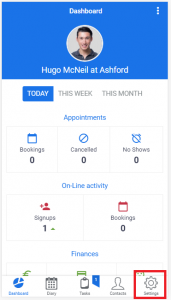
To Access the General Setup, you need to click the ‘Settings’ button at the bottom of your screen, which will take you to the ‘Settings’ area.
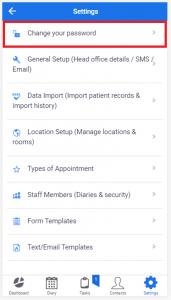
Then select Change your Password
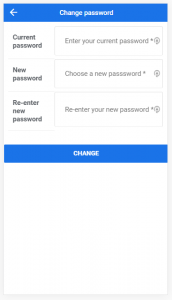
Verify with your current password, and then enter a new password (and re-enter to confirm).
There are no size or complexity restrictions to adhere to.
Click Change to commit the change